Blur Layer
About Blur Layer
Blur is a graphical effect that aims to imitate an unfocused image. In a photography context blur can occur when the focal point of the lens is not at the right position of the target of the photograph. Also blur can have other origins. Blurs can happen as the result of a poor exposure during its recording (too long exposure time for a large movement of the object or a high movement of the recorder). Also blurring occurs when you use a very wide aperture (f4). In that case the objects that are out of focus are very blurred compared to the situation where the aperture is fully closed (f22).
In a graphical context, blurs are effects that imitate those situations (with more or less success).
Parameters of the Blur Layer
The parameters of the Blur Layer are:
Name |
Value |
Type |
0.000000 |
real |
|
1.000000 |
real |
|
Composite |
integer |
|
6.000000pt,6.000000pt |
vector |
|
Fast Gaussian Blur |
integer |



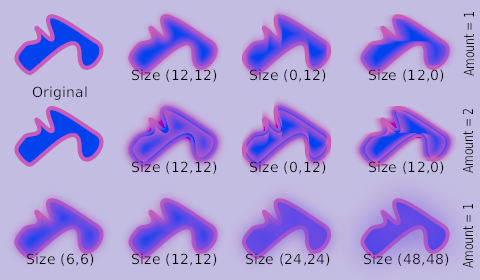
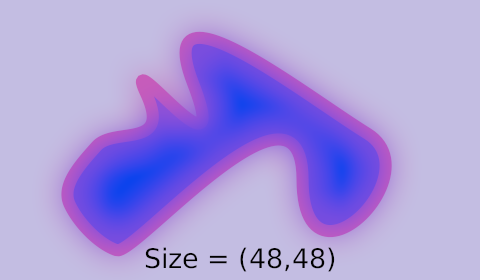
Size
The Size parameter controls the size of the blur. Depending on that
value the blur can have different effects. Note that rendering time
quickly increases as you increase the size parameter, so be careful.
This parameter is a compound value of two real numbers, x and y. Each of them indicates the size of the blur along that direction.
Type
There are 5 types of blur:
Samples
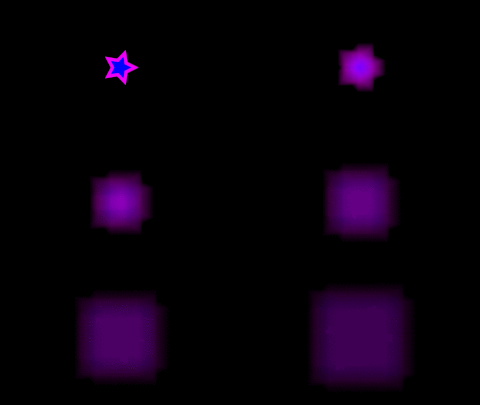
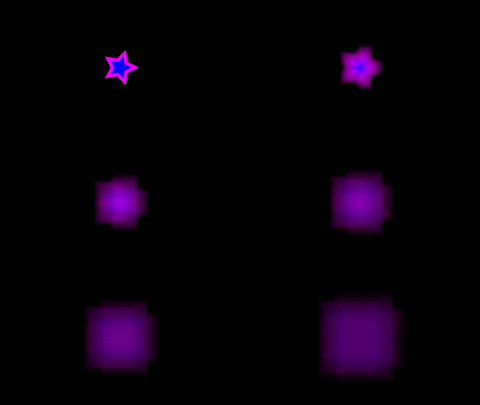
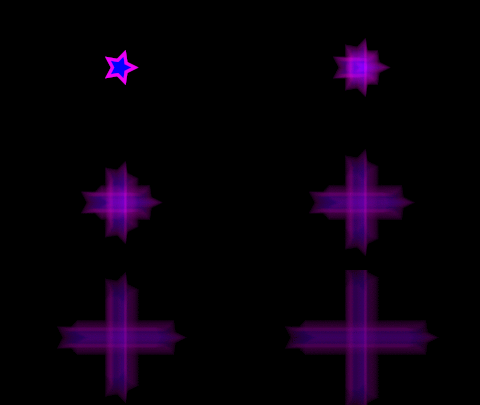
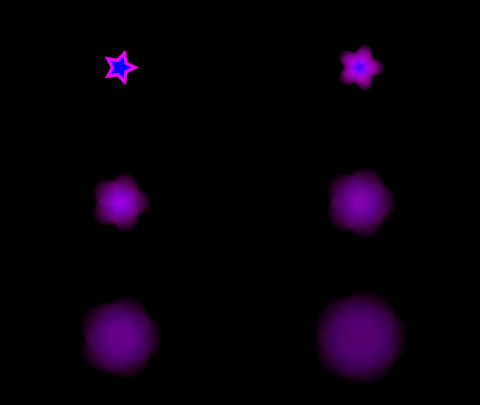
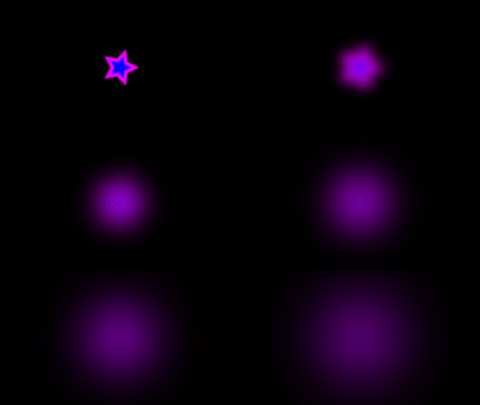
Star animation
If you wonder how the animations were made (sample file):
a Star Layer is positioned at the center of the Frame, with an Outline Layer of width 0.05u
the animations have 120 frames, and the Size parameter of the blur goes from 0u,0u to 1u,1u
the Render Dialog settings are set to Quality 9 and Anti-Aliasing 1
- Fast Gaussian :
- Box :
- Cross Hatch :
- Disc :
- Gaussian :
Fast Gaussian
Fast Gaussian Blur
Fast Gaussian Blur |
|
|
|
Box
Box Blur |
|
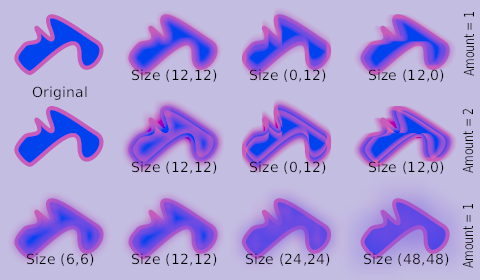
|
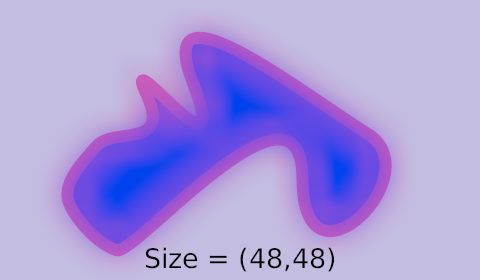
|
Cross Hatch
Cross Hatch Blur |
|
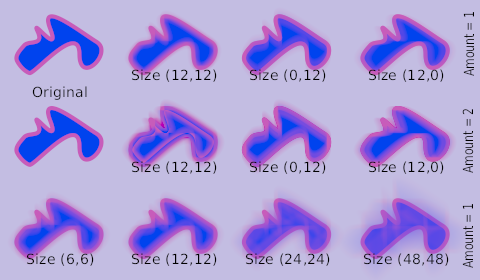
|
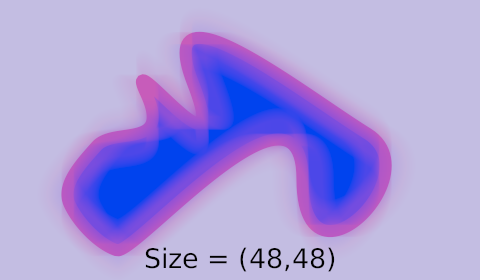
|
Disc
Disc Blur |
|
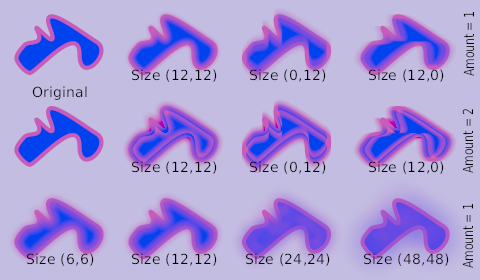
|
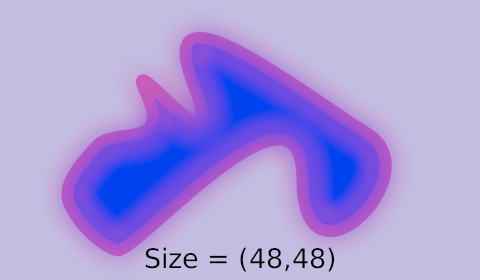
|
Gaussian
Gaussian Blur |
|
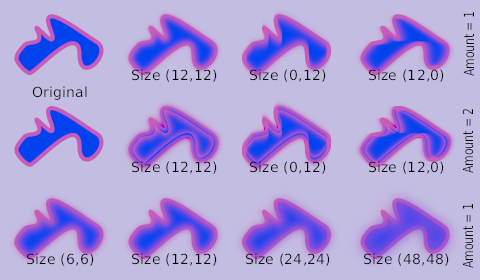
|
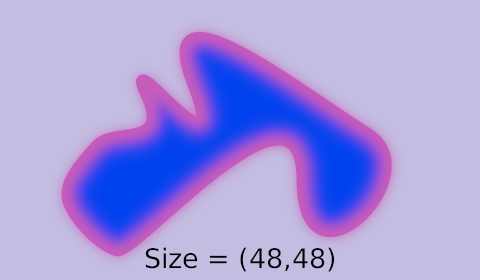
|
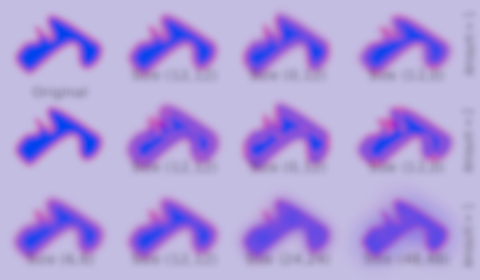
Fast Gaussian Blur over all the layers
Fast Gaussian Blur over all the layers |
|
See also
Radial Blur Layer with a radial control of the size of the blur.
Motion Blur Layer a type of blur that aims to simulate a motion blur (the one that happens when the object’s movement is too fast for the exposure time). It is controlled by a single parameter called “Aperture”.