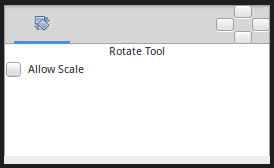
Rotate Tool
 ALT-T
ALT-T
Introduction
The Rotate Tool rotate the selected Handle. It works
much like to Transform Tool except for when
multiple Handle are selected.
Usage
Handles: Choose your handles, by either:
Pressing
Ctrl+Ato select all Handles.Dragging a rectangle around a group of Handles.
Holding the
Controlkey while clicking Handles to toggle their selected status.
Then drag one of the selected Handles. All the selected Handles will move, rotating about the center of the selected handles group.